.jpg)
Welcome to Taraki. This guide will walk you through how to start hiring by creating your company and posting your first job.
In Taraki, all hiring activities begin from the Hire Talent module.
Step 1 : Go to Hire Talent
To begin, navigate to the Hire Talent section from the main dashboard.
This is your central workspace for:
-
Creating job postings
-
Managing your company
-
Reviewing candidates
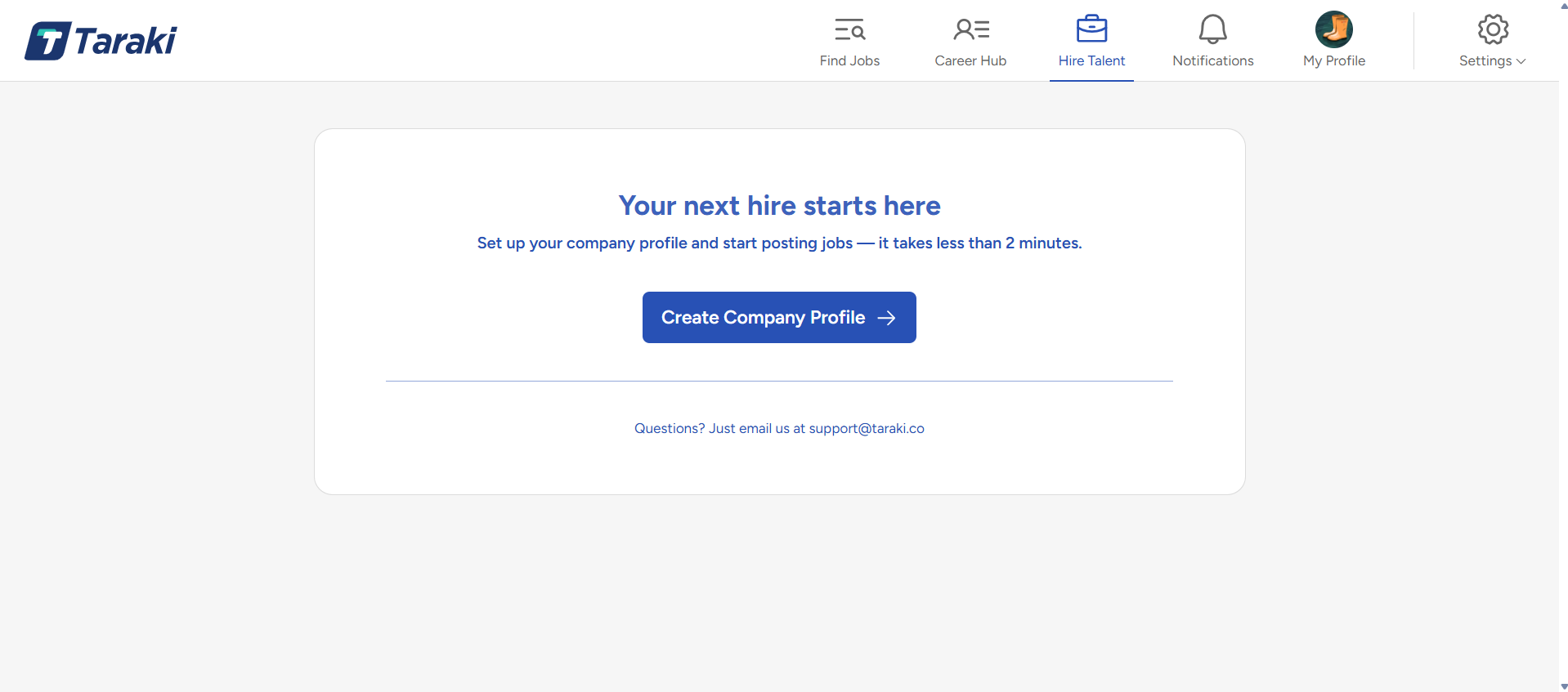
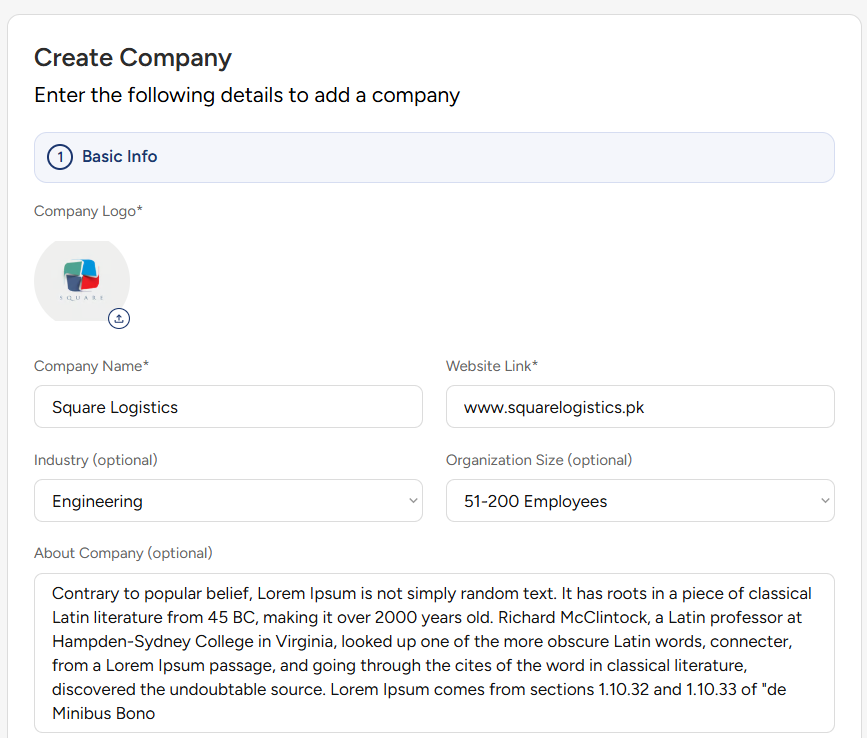
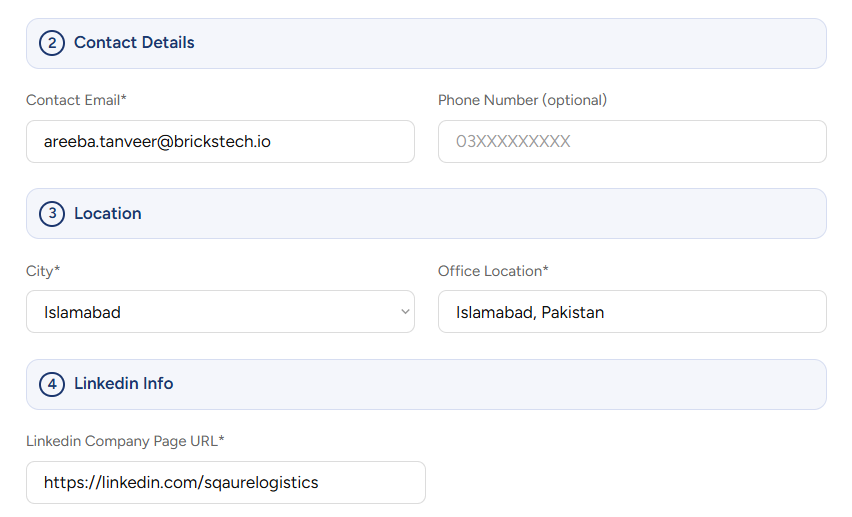
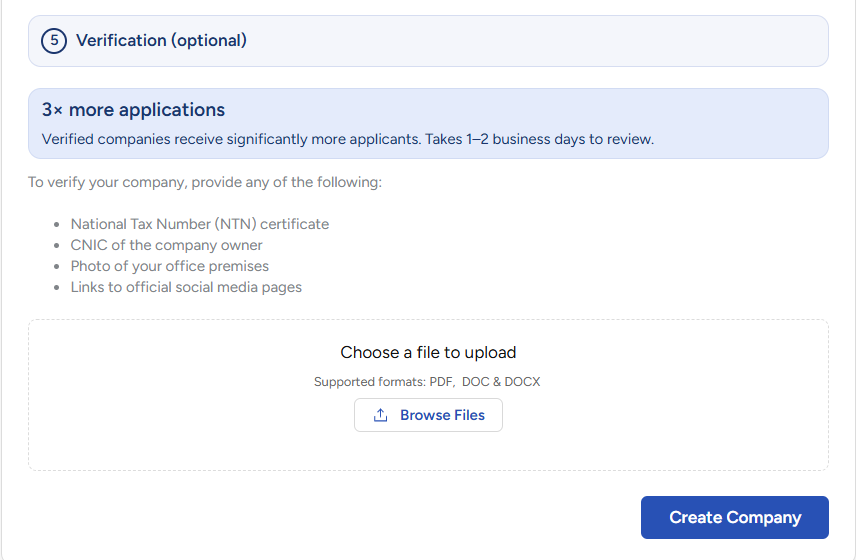
Click Create Company to complete the setup.
Once you have successfully created your company profile, the next step is to post your first job on Taraki.