.jpg)
Welcome to Taraki. This guide will help you quickly get set up so you can start posting jobs, reviewing candidates, and collaborating with your hiring team.
Taraki is designed to simplify the hiring process by helping you manage job postings, evaluate candidates, and collaborate with your team, all in one place.
If you're new to Taraki, follow the guides below to set up your workspace and begin hiring.
Step 1: Create Your Taraki Account
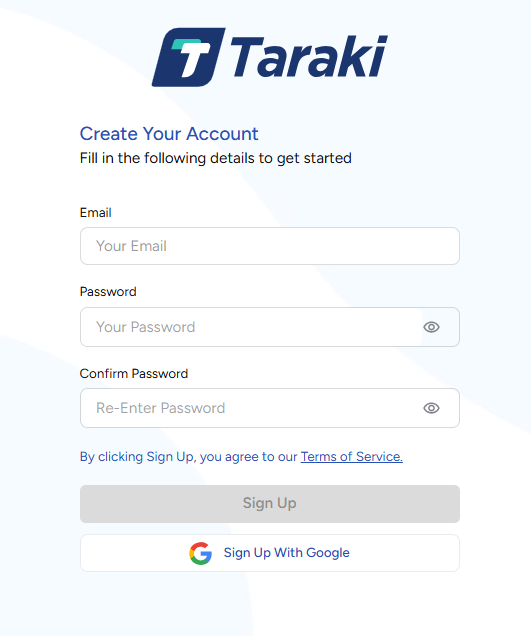
To begin, you need to create a Taraki account.
-
Go to Taraki platform
-
Click on Sign Up
-
Enter you details:
-
Email
-
Password
-
Confirm your password
-
-
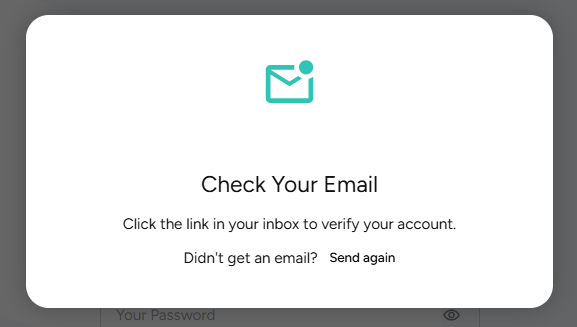
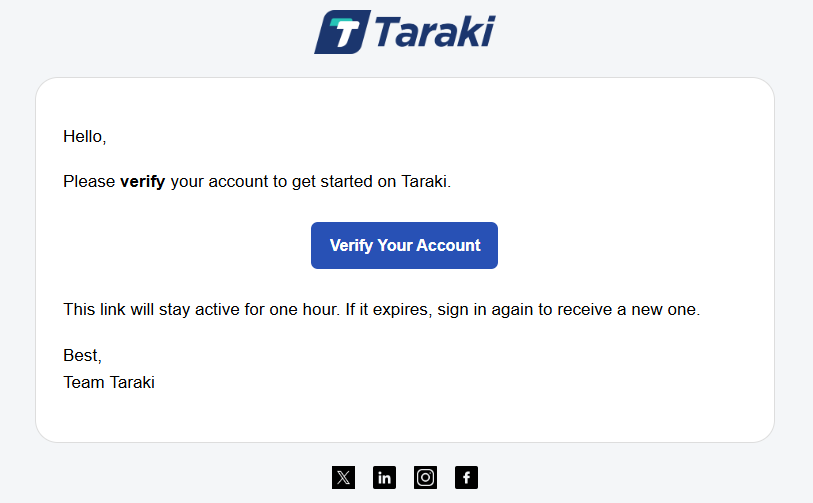
Once you’ve entered all your details, you will receive a verification email. Please verify your email address to complete the signup process.
Once complete, you will be logged into your Taraki dashboard.

Step 2: Choose Your Role
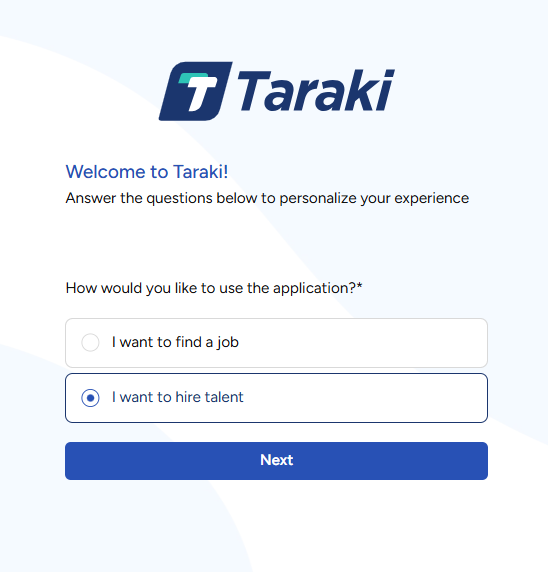
After Signing Up, Taraki will guide you to setup your profile based on your role.
You will typically fall into two categories:
-
Recruiter / Employer
-
Job Seekers
After selecting your role, complete your profile by filling in all the required information, adding a profile picture, and writing a tagline to stand out.
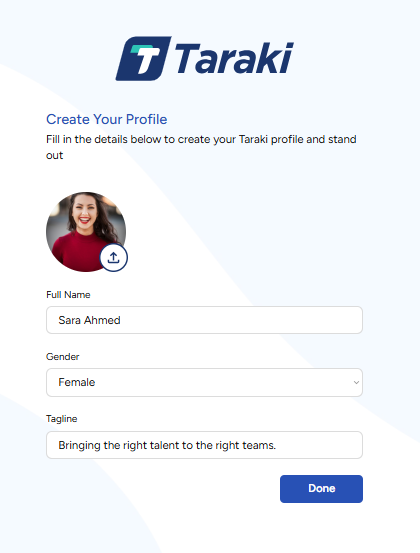
After completing your profile, you will be redirected to the Job Board as shown below.
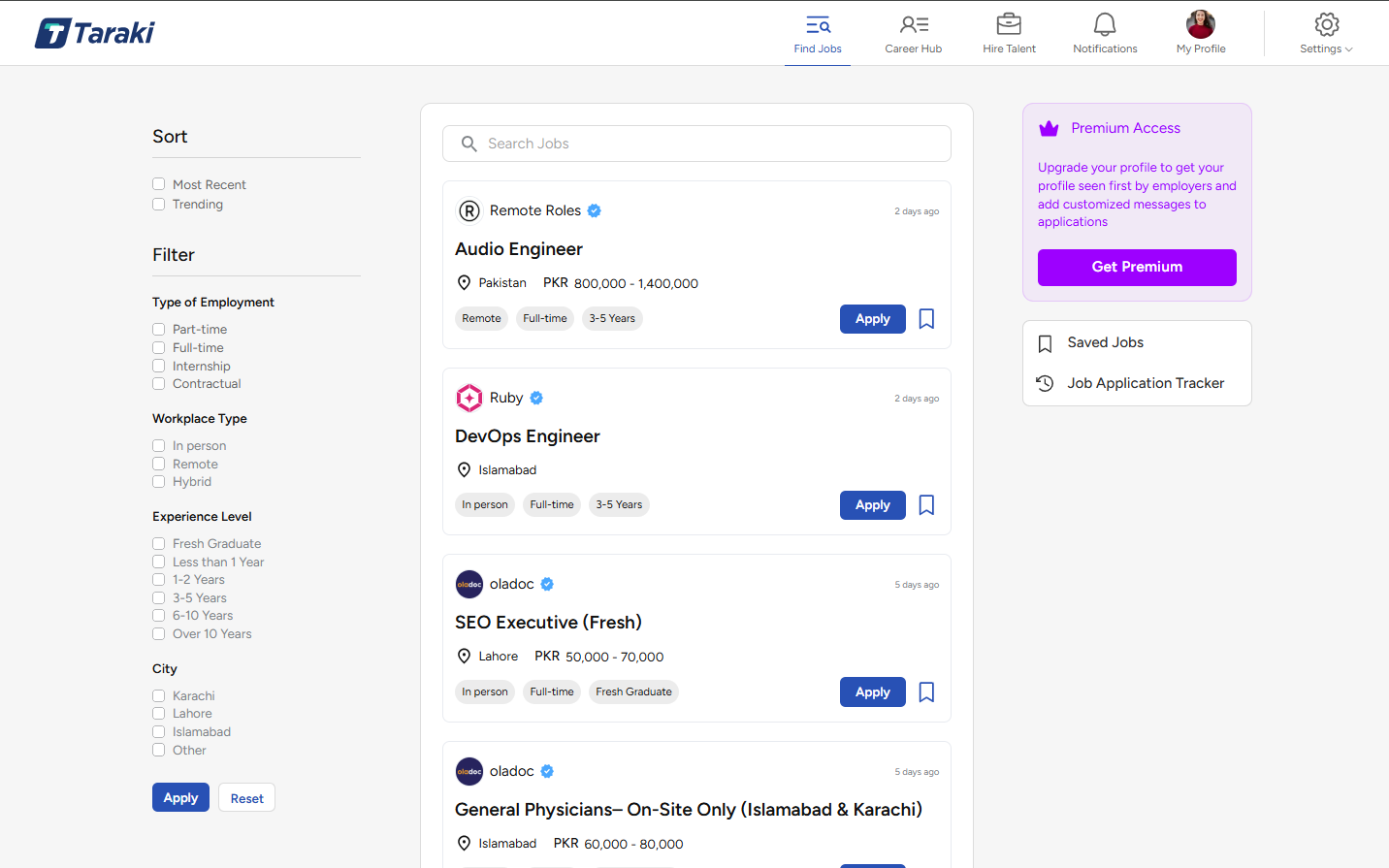
From here, you can start exploring Taraki and take the next step based on your role.
Step 3: Choose Your Next Step
-
For Recruiters
Start creating your company profile and job postings.
➡️ Getting Started as a Recruiter
-
For Job Seekers
Explore job opportunities and start applying to roles that match your profile.