.jpg)
Follow the steps below to connect your LinkedIn Company Page with Taraki.
Requirements
Before connecting LinkedIn, ensure that:
-
Your company has a Premium Taraki subscription.
-
Your company is verified on Taraki.
-
You have Administrator access to your Taraki company account.
-
You have the LinkedIn Company ID for the page you want to connect.
Steps to Connect LinkedIn
Step 1: Open Job Board Settings
-
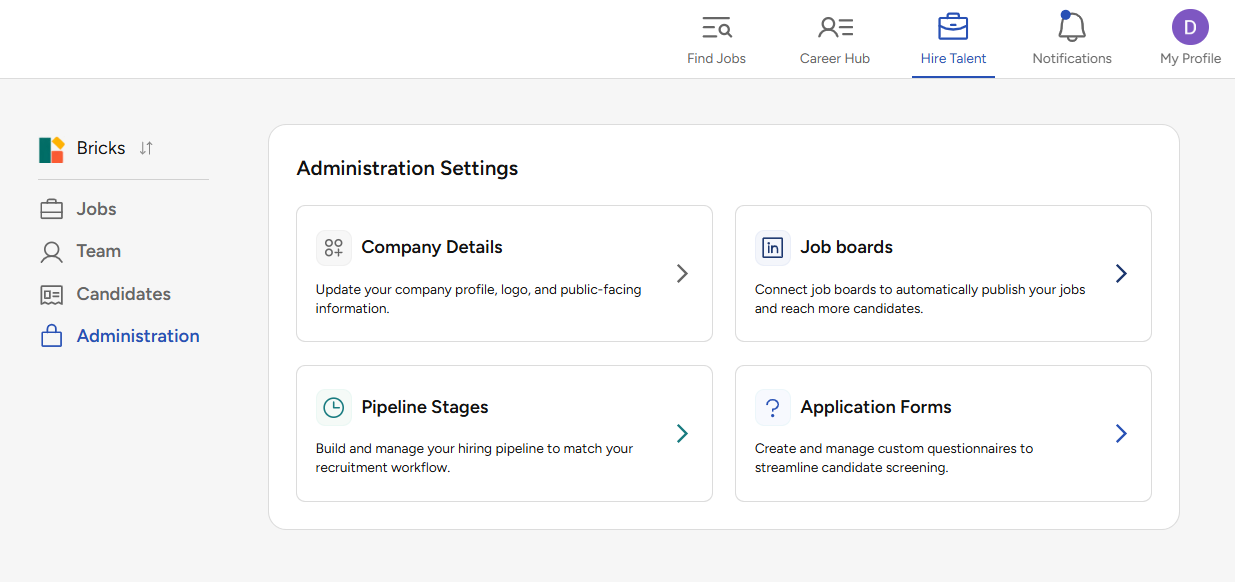
Navigate to Hire Talent.
-
Select Administration from the left navigation menu.
-
Click Job Boards.
Step 2: Configure LinkedIn
-
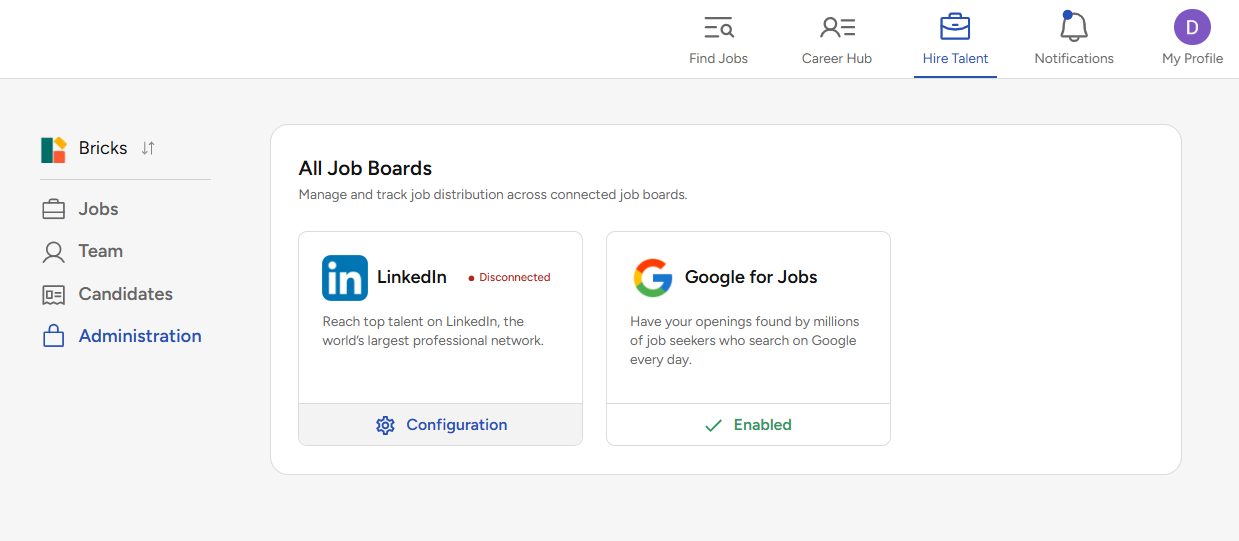
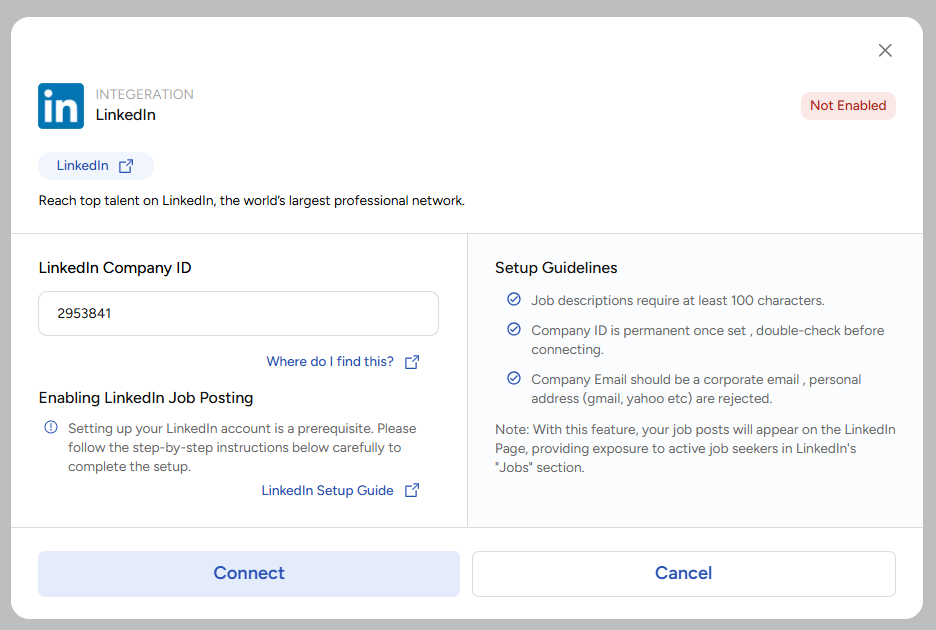
Locate the LinkedIn integration card.
-
Click Configuration.
Step 3: Add Your LinkedIn Company ID
-
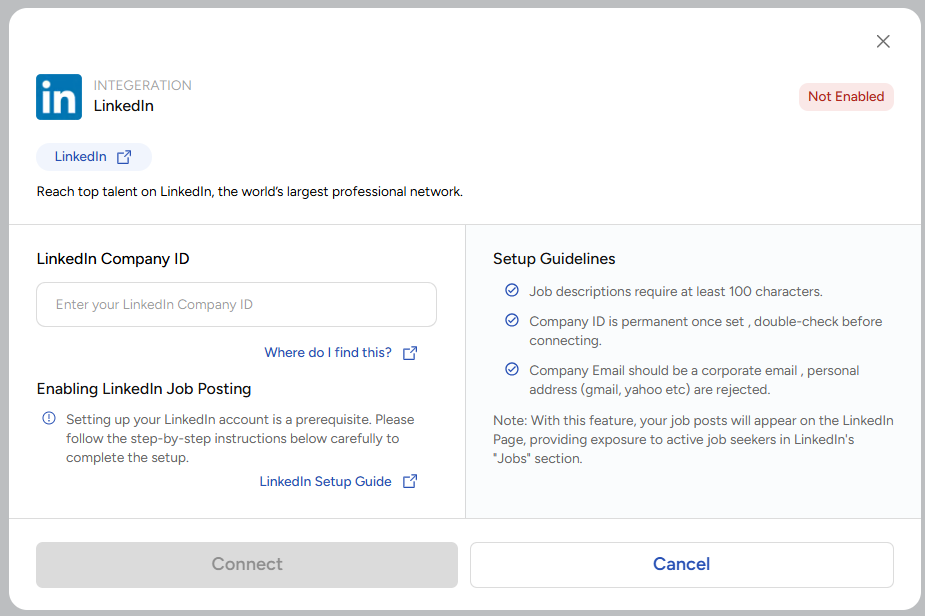
Enter your LinkedIn Company ID in the provided field.
-
Verify that the Company ID belongs to the LinkedIn Company Page you wish to connect.
Step 4: Connect LinkedIn
-
Click Connect.
-
Wait for the connection process to complete.
Step 5: Verify Connection Status
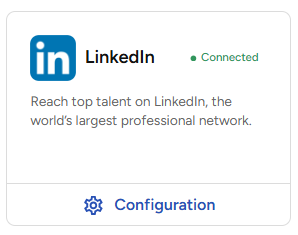
Once the connection is successful, LinkedIn will appear as Connected within the Job Boards section and will be available for use with your company's job postings.