.jpg)
Overview
To start using Tara, you'll need to connect your WhatsApp number to your Taraki account. Once connected, you can chat with Tara directly through WhatsApp to post jobs and ask questions about Taraki.
Step 1: Navigate to Tara
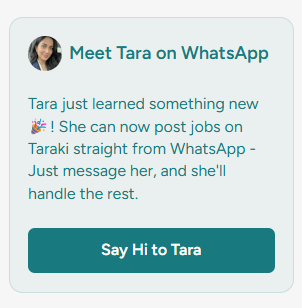
From the Recruiter module, go to the Hire Talent page and click Say Hi to Tara.
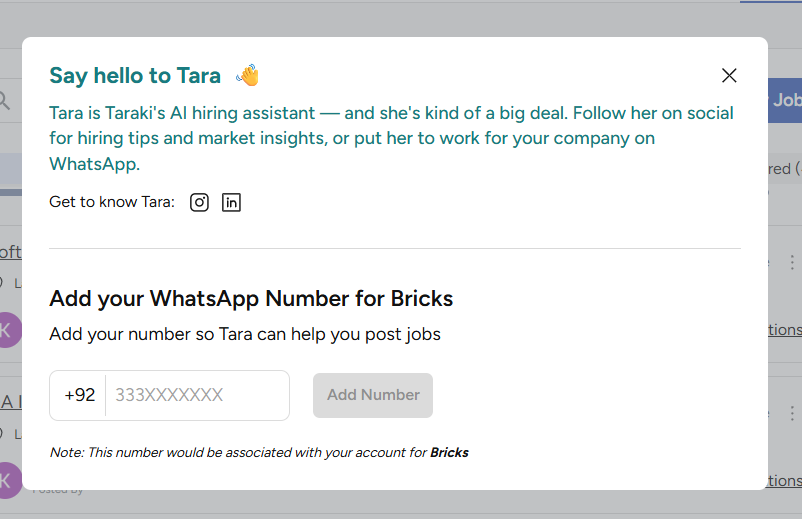
This will open the Tara setup popup.
Step 2: Add Your WhatsApp Number
Enter the WhatsApp number you would like to connect to Tara.
Step 3: Open WhatsApp
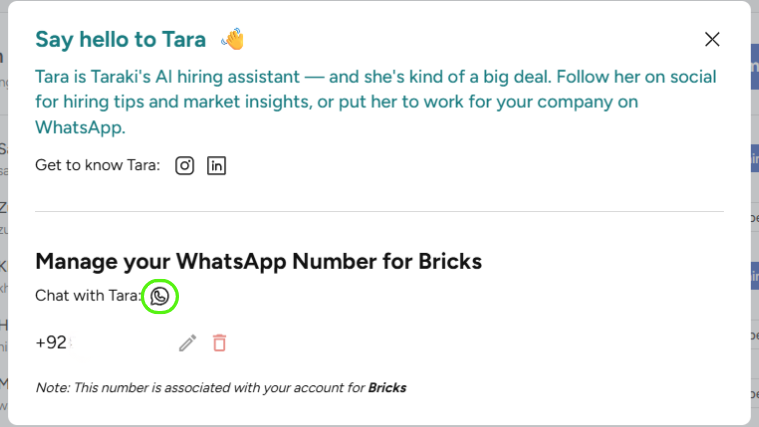
After adding your number, click the WhatsApp icon.
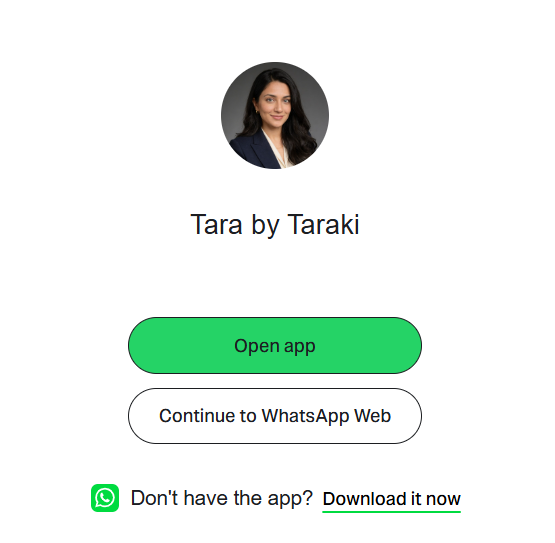
This will redirect you to WhatsApp, where you can start a conversation with Tara.
Step 4: Start Chatting
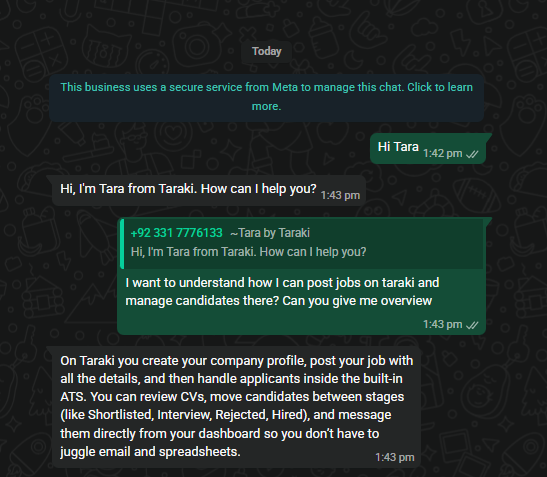
Send Tara a message and start interacting right away.
You can currently:
-
Post jobs through WhatsApp
-
Ask questions about Taraki features and workflows
-
Get guidance on using the platform
Important Notes
-
A WhatsApp number can only be connected to one company at a time.
-
The same WhatsApp number cannot be used across multiple companies.
-
Every member of a company team can connect their own WhatsApp number to Tara.
-
Each team member must connect their number individually.
Need Help?
If you experience any issues while connecting your WhatsApp number, please reach out to the Taraki support team at support@taraki.co